Turn screen time into a reason to walk.
Move more. Come back reset.
Choose the apps you want a healthier boundary with and set a goal that works for your day. WalkLock tracks Apple Health steps, then unlocks your apps automatically when you reach it.
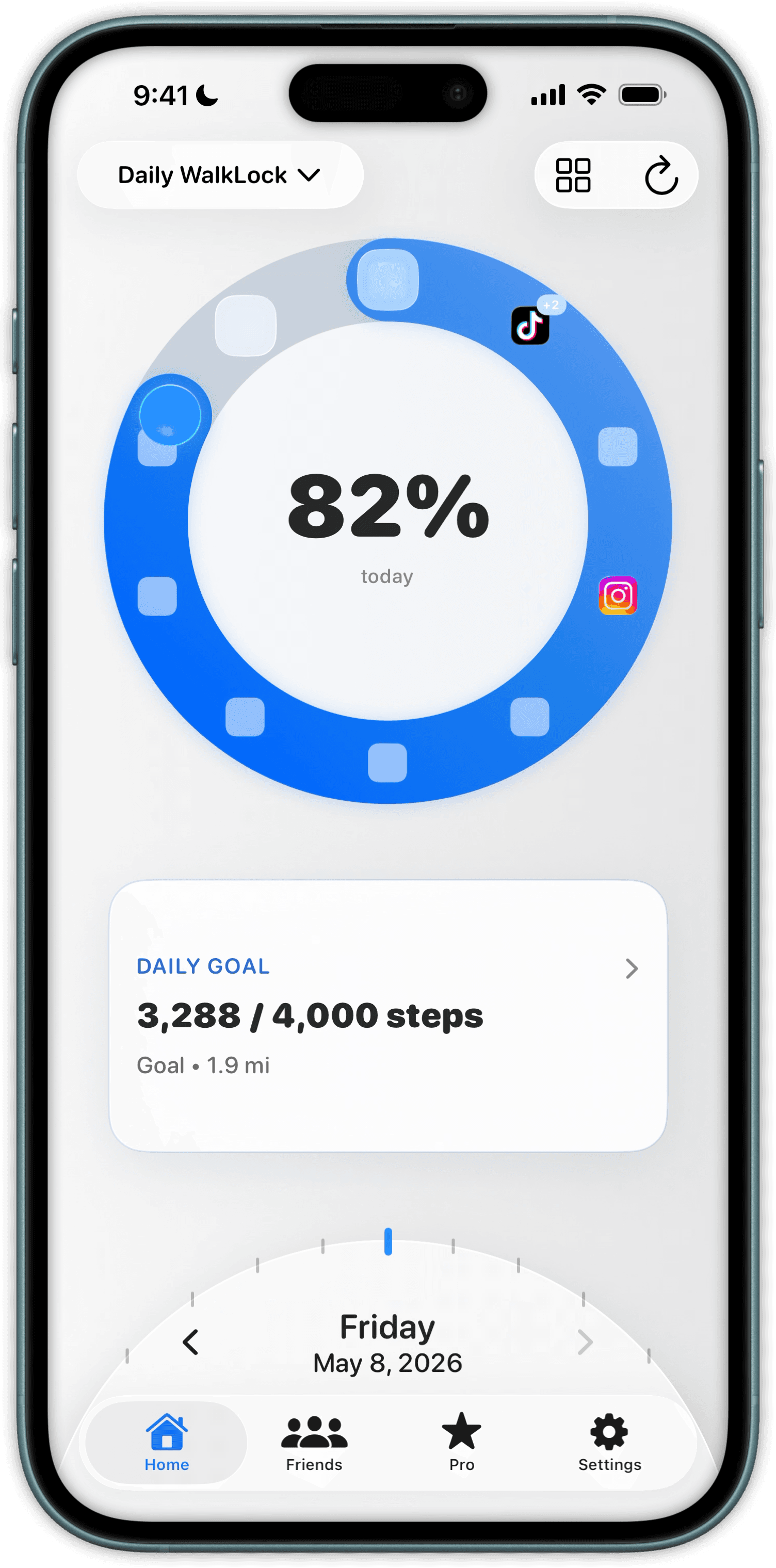
Move more. Reset your focus. Make screen time intentional.
Walking adds movement to your day and creates a clear break before the next scroll. You choose the apps and goal; WalkLock uses Apple Health-recorded steps to handle the rest.
Choose your apps and goal
Pick the apps you want to pause, then set an amount of walking that feels achievable.
Let each walk count
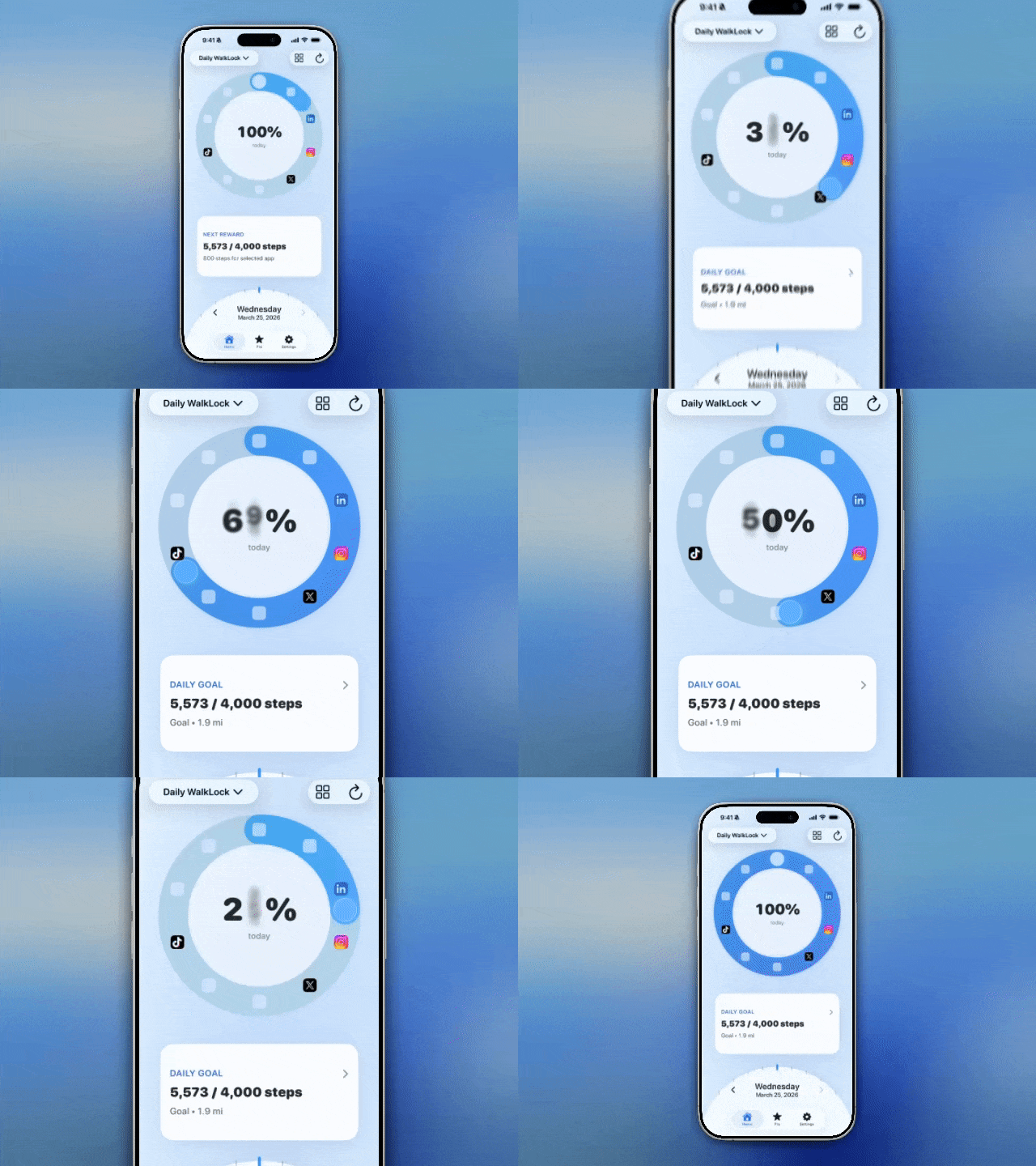
WalkLock reads steps recorded by Apple Health, so your progress updates as you move.
Unlock automatically
Reach your goal and your chosen apps unlock—no extra decision or check-in required.
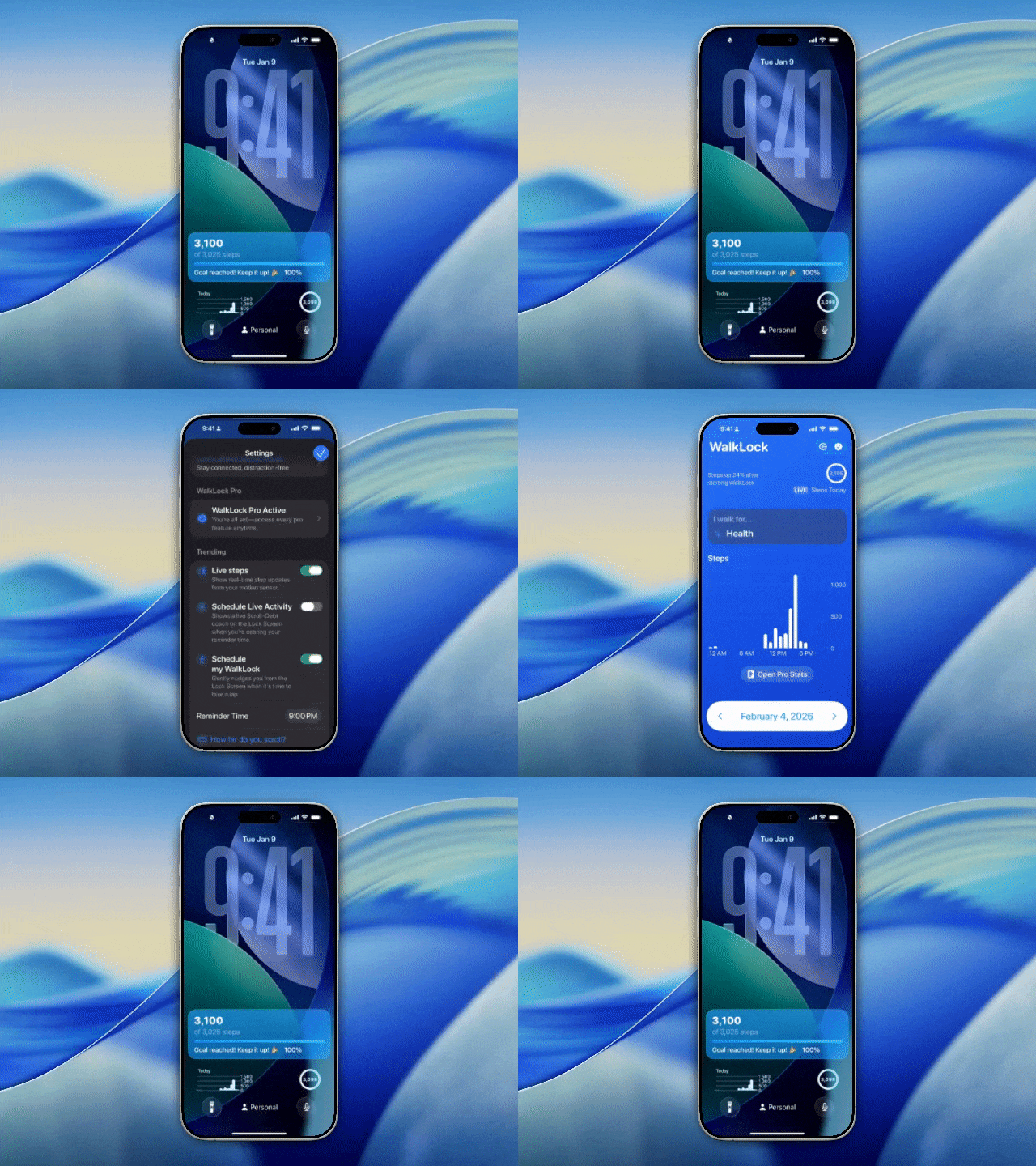
Track your unlock progress on the Lock Screen.
See how many steps remain before your apps unlock, without reopening a distracting app.
Steps remaining to unlock
Live Activities show your progress toward unlocking directly on the Lock Screen.
Lock screen widgets
Check your current steps and know exactly how much walking comes next.
Built for steady progress.
Clear goals, Apple Health integration, and just enough structure to make daily movement more consistent.
Apple Health-recorded steps
Steps from your iPhone or Apple Watch move you toward unlocking. Manual additions do not count.
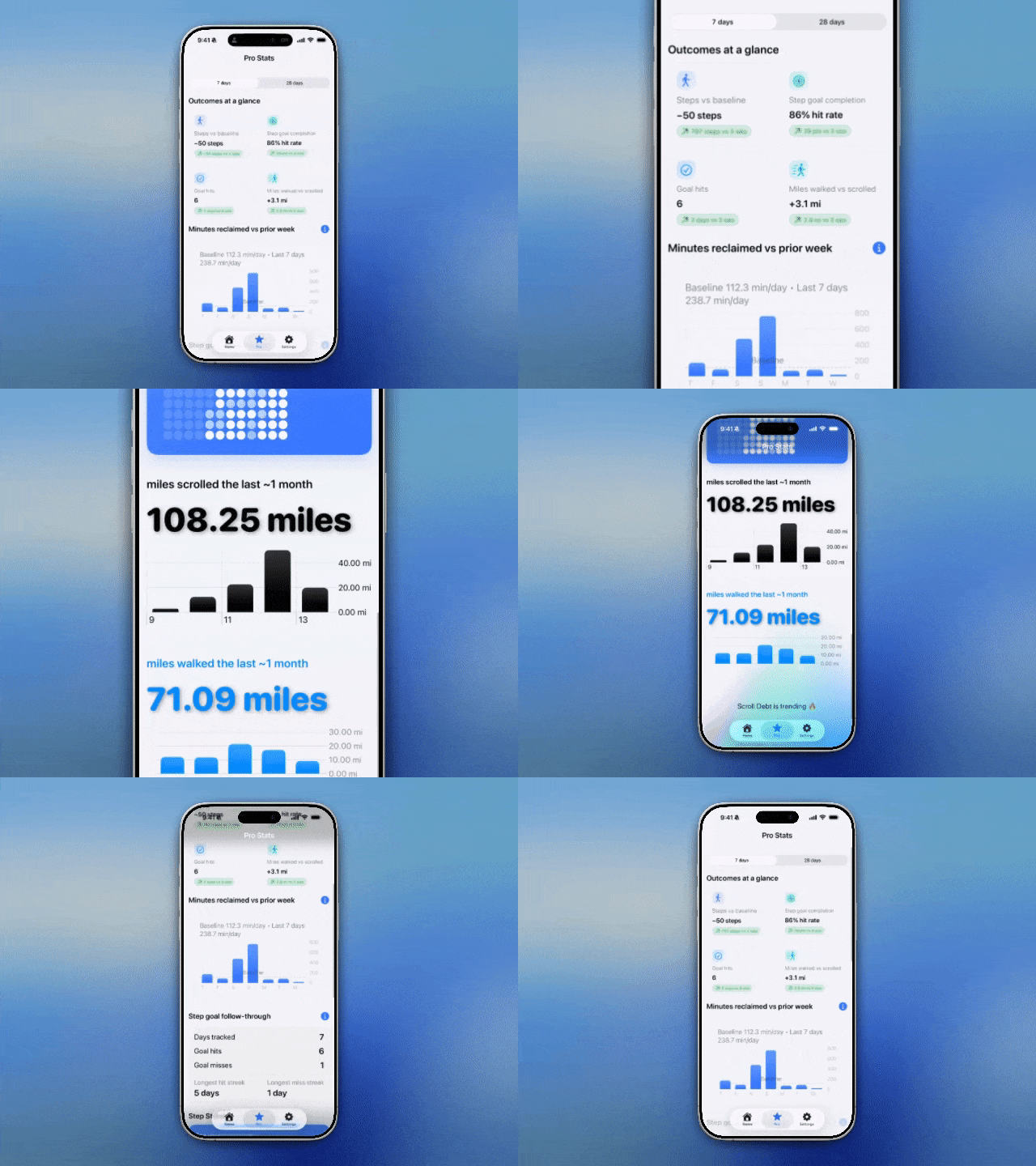
See your momentum
Simple trends and weekly stats make your progress hard to ignore—and give you a reason to follow through tomorrow.
What changes
Set a clear goal that fits your day.
A short walk can help reset your focus.
Reach your goal, unlock automatically, and keep the momentum going.